
Heart
Too much sitting is bad for your health
Sitting for long hours may raise your risk of heart disease, stroke and type 2 diabetes. This is true even if you exercise.
NHS, United Kingdom
Reminds you to get up, look away and stretch.
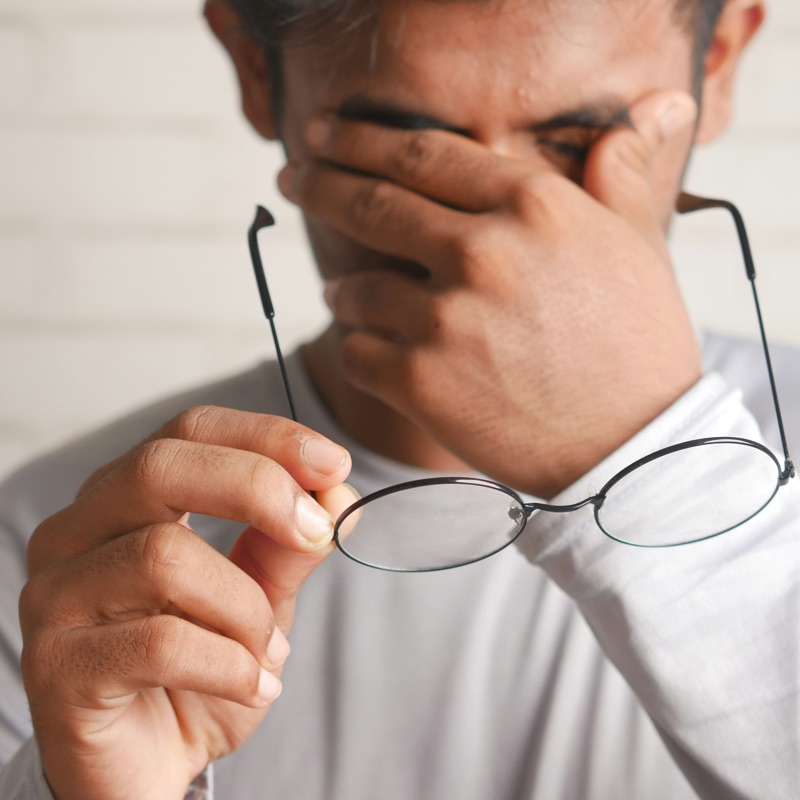
Digital eye strain
About seven in ten screen users say their eyes feel strained. On a close screen, the muscles that focus your eyes never rest. You also blink less.
Every 20 minutes, look at something far away for 20 seconds.
In a small study, this made eyes feel less strained. When people stopped, the strain came back. BetterBreaks reminds you when it is time.
American Optometric Association: the 20-20-20 rule
Read the eye researchThe science
Here is what health experts in the United States, the United Kingdom and Canada say.
Heart
Sitting for long hours may raise your risk of heart disease, stroke and type 2 diabetes. This is true even if you exercise.
NHS, United KingdomBack and neck
Sitting for a long time slows blood flow to the muscles in your neck and back. Changing your position often helps.
Canadian Centre for Occupational Health and SafetyMoving
Walk for about five minutes for every 40 to 50 minutes you sit. This can help protect your health at work.
Canadian Centre for Occupational Health and SafetyEvery day
Canada’s guidelines for adults say to sit for 8 hours a day or less. They also say to break up long periods of sitting as often as you can.
Canadian Society for Exercise PhysiologyChoose one of four rhythms, from a 20 second look out of the window to 90 minutes of deep work. Change it any time from the menu bar or the system tray.
BetterBreaks stays out of the way. It pauses when you leave your computer, and it waits while you are in a call.
Get a full screen reminder when you want a firm nudge, or a small notification when you do not. You can skip a break. It will remind you again next time.
| Mode | Work | Break | Suits |
|---|---|---|---|
| 20-20-20 | 20 min | 20 sec | Long days on screen, when your eyes get tired first. |
| Pomodoro | 25 min | 5 min | Tasks you keep delaying. Short blocks with a clear end. |
| Ikigai Flow | 45 min | 10 min | Focused work that needs longer stretches. |
| Marathon | 90 min | 15 min | Deep work, where stopping often would break your thinking. |
With Pro you set your own work time, break length and number of rounds.
$0
$49.99 a year
$249.99 once
Something else? Write to support@betterbreaks.app.
Two full sessions, with every rhythm and both kinds of reminder. A session starts each time you press Start or Resume. After two sessions, the app asks you to choose Pro or Forever. You do not need a card to try it.
Yes. It runs on macOS 12 or later and on Windows 10 and 11. Sign in with the same account on both computers, and your plan works on both.
It tries not to. When your camera or microphone is in use, it waits until the call ends. It also pauses when you leave your computer, and starts again when you come back.
Your email address, your plan and how many free sessions you have used. Your break settings and break history stay on your computer. We do not sell your information. The details are in our Privacy Policy.
Yes. Ask within 15 days of paying and we refund the full amount. This is true for Pro, for each yearly renewal and for Forever. See the Refund Policy.
No. BetterBreaks reminds you to take breaks. It is not a medical device, and it does not diagnose or treat anything. If your eyes, neck or back hurt, talk to a doctor.
BetterBreaks for Mac and Windows. Two sessions are free, and you do not need a card.